Overview — what it does
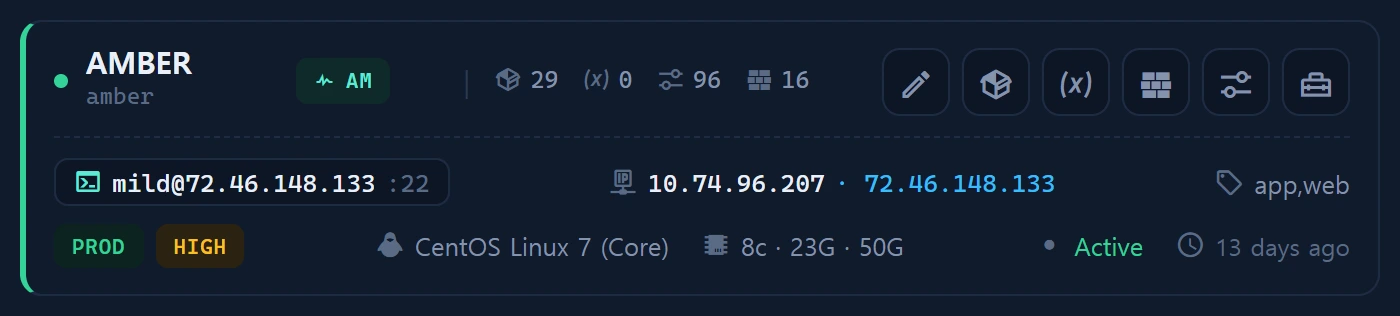
The [fw] button on an Instance card catalogs each instance's firewall rules into infr_instance_firewall. It records, from an asset viewpoint, which ports/services are open under which policy (allow/deny) — and Security ▸ Firewall consumes this data for its attack-surface map.
Layout
A per-instance rule list — chain / port / protocol / source / action (ACCEPT · DROP · REJECT) / backend (iptables · firewalld · ufw). It distinguishes managed ports from "surprise" exposure.
How to use
# Seeded in Inventory ▸ Tools · runs locally (no credentials)
node infr_firewall_probe.cjs
# Paste the JSON into [fw] ▸ JSON import to register
The probe detects the active firewall backend and normalizes rules. Registered rules are cross-checked against registered services (infr_service) in Security ▸ Firewall and classified as managed vs unexpected ports.
Data sources
infr_instance_firewall(per-instance rules)- Probe
scripts/infr_firewall_probe.cjs
Access
Read level≥1; write level≥2. Judging open-port exposure (attack surface) belongs to Security ▸ Firewall.
Related
- Security ▸ Firewall (attack surface)
- Remote emulate — the firewall probe can also be deployed and run remotely
- Instances CMDB