Overview — what it does
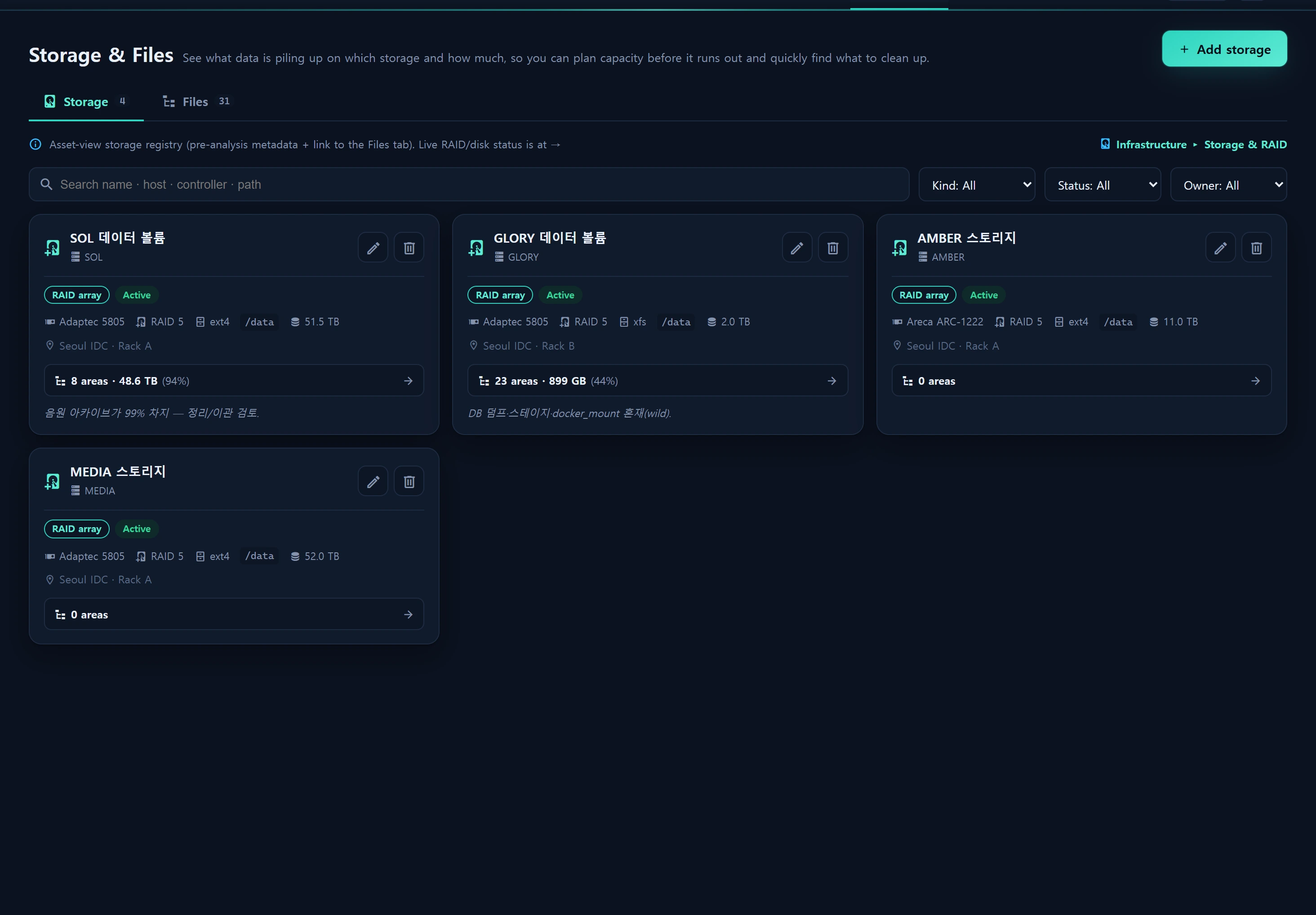
Assets ▸ Storage & Files is a two-tab console. It is an asset view; live RAID/disk status lives separately in Infrastructure ▸ Storage & RAID.
- Storage tab — the
infr_storageasset registry. Metadata needed before automated analysis (name · host · kind · controller · raid_level · fs_type · mount_path · capacity · instance link) plus the count/usage/utilization of linked file areas. - Files tab —
infr_file_areacatalogs stored data as a semantic area tree, not by filename. E.g. SOL/data/MP3yearly audio (disk 99%), GLORYdocker_mountdocker data.
Layout
The Files tab uses tree indentation + mini capacity bars to show "what lives where and how much". Each area: capacity (bytes rollup) · kind · year range · alpha range · free-form tags · owner · description.
How to use
# Seeded in Inventory ▸ Tools · local du/ls scan (no credentials)
node infr_storage_probe.cjs
# Paste the produced tree JSON into Files tab [JSON import] (idempotent by path)
Modal CRUD (parent selection · recursive delete) plus JSON import to register a probe-produced tree in bulk.
Data sources
infr_storage(asset registry) ·infr_file_area(area tree · bytes rollup)- Probe
scripts/infr_storage_probe.cjs
Access
Read level≥1; write level≥2 (including recursive delete).
Related
- Infrastructure ▸ Storage & RAID — live RAID/disk status
- Instances CMDB