Overview — what it does
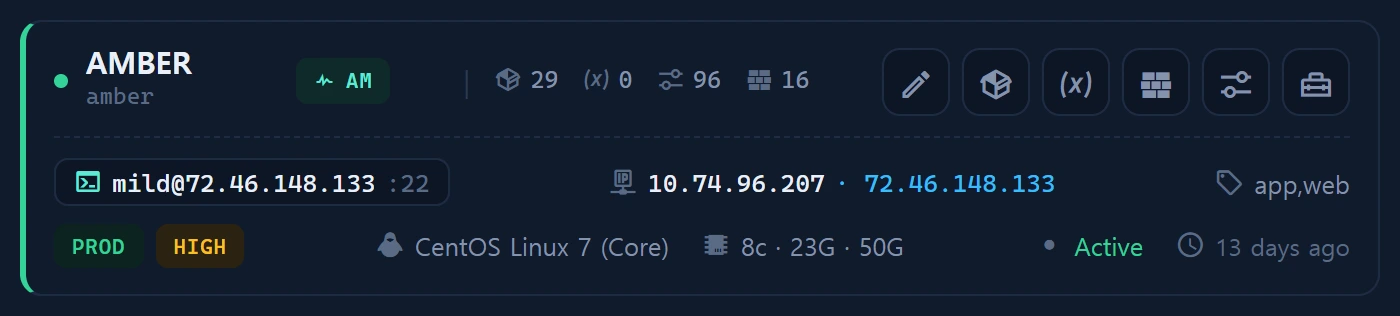
The [ver] action on an Instance card opens the software version ledger. A master catalog (infr_software_catalog, ~49 software across 8 categories incl. ci_cd) is the classification axis; infr_instance_software (1:N) records the versions actually installed on each instance.
Layout
A modal toggling Version management (1:N CRUD) | JSON import. Cards show presence and status (current/outdated/eol/vuln/unknown).
How to use
Two update paths:
- Manual add/edit.
- JSON import from a local probe:
# Seeded in Inventory ▸ Tools · local commands only
node infr_version_probe.cjs
# Paste the JSON into [ver] ▸ JSON import for a bulk upsert (UNIQUE instance_id+software_key)
CI/CD tools like Jenkins have no standard
--version; the probe uses a SPECIAL path (HTTPX-Jenkinsheader →java -jar jenkins.war --version→ rpm/dpkg).
Data sources
infr_software_catalog(key · category · detect_cmd) ·infr_instance_software(UNIQUE(instance_id, software_key))
Access
Read level≥1; write level≥2.
Related