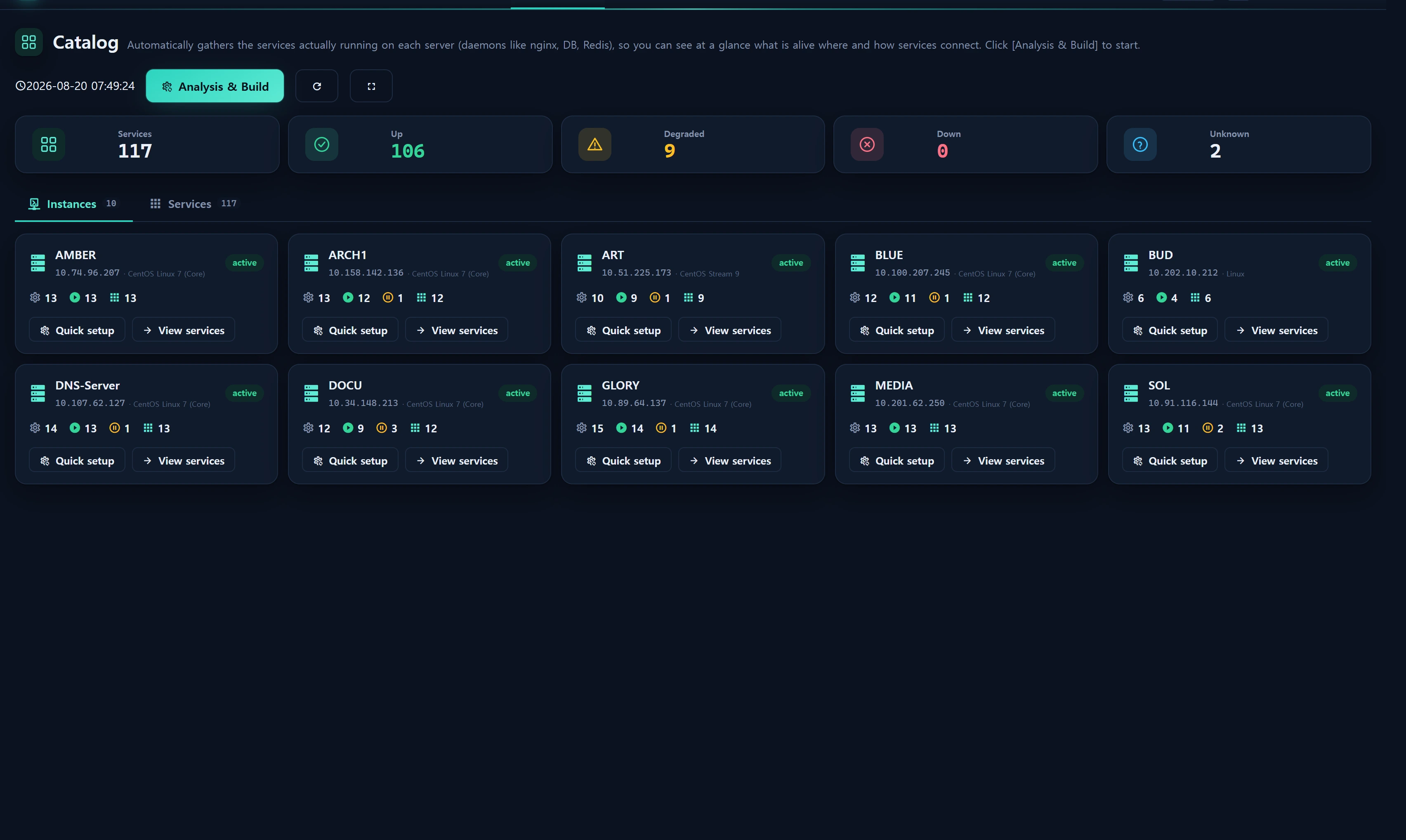
Overview — what it does
Service ▸ Catalog is a two-tab console (Instances | Services). [Analysis & Build] promotes daemon-like software from each instance's version ledger (infr_instance_software) into infr_service (idempotent UNIQUE(instance_id, software_key)), with ServiceCatalogMap mapping software_key → kind/port.
Layout
- Tab ① Instances — per-instance daemon summary + runtime dots.
- Tab ② Services — service cards (from the version ledger) with a presence badge, liveness and dependencies.
How to use
- Click [Analysis & Build] (per instance or globally) to upsert services.
- Liveness has two modes: the default probe runtime state (proc_up / svc_registered / listen_ports), plus an on-demand live TCP/HTTP test (registered service ids only — no arbitrary host → SSRF-safe).
- Dependencies are edited here (
depends_on) with same-host DB/cache heuristics. - [Config] pulls that service type's
infr_instance_paramvalues, grouped by engine (read-only, secrets masked).
Build promotes only software_keys present in
ServiceCatalogMap::MAPand only rows present at build time — re-run [Analysis & Build] after importing a newer version JSON.
Data sources
infr_service(instance_id + software_key) ·infr_service_check(liveness time series) ·App\Support\ServiceCatalogMap
Access
Read level≥1; build/test/config self-gated, save/delete/deps level≥2 + audit.
Related