Overview — what it does
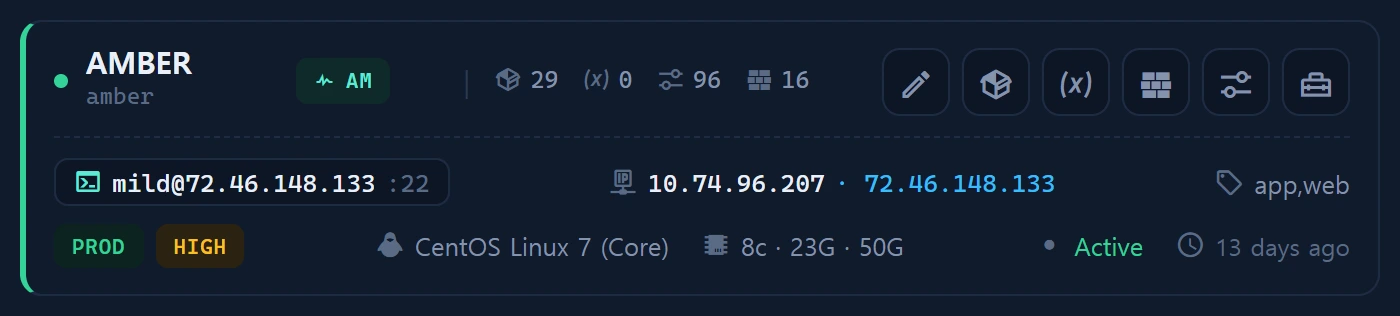
The [env] action on an Instance card manages per-instance environment variables (infr_instance_var). These are the secrets dictionary that fills the {{PLACEHOLDER}} mashups of Inventory Tools. Values are Crypt-encrypted; is_secret values are masked in the list and revealed only with an audited action.
Layout
The env modal is tabbed:
- Current variables — a table of defined vars.
- Built-in tokens — the
infr_token_catalogmultilingual dictionary grouped by category, each token with meaning/purpose/example +in_tools/definedbadges. Seven built-in tokens (HOSTNAME, IP_, SSH_ …) are provided automatically. - New variable — the add/edit form.
How to use
Add a variable, or click [Add as variable] on a built-in token to prefill the form. Tools then mash up these vars (plus built-in tokens) into runnable scripts.
Data sources
infr_instance_var(value_enc Crypt · is_secret) ·infr_token_catalog(38 tokens, label/description json {ko,en})
Access
Read level≥1 (reveal audited); write level≥2.
Related