Overview — what it covers
Besides the console behind login, InfraGuard has a public surface.
| Path | Screen | Access |
|---|---|---|
/ |
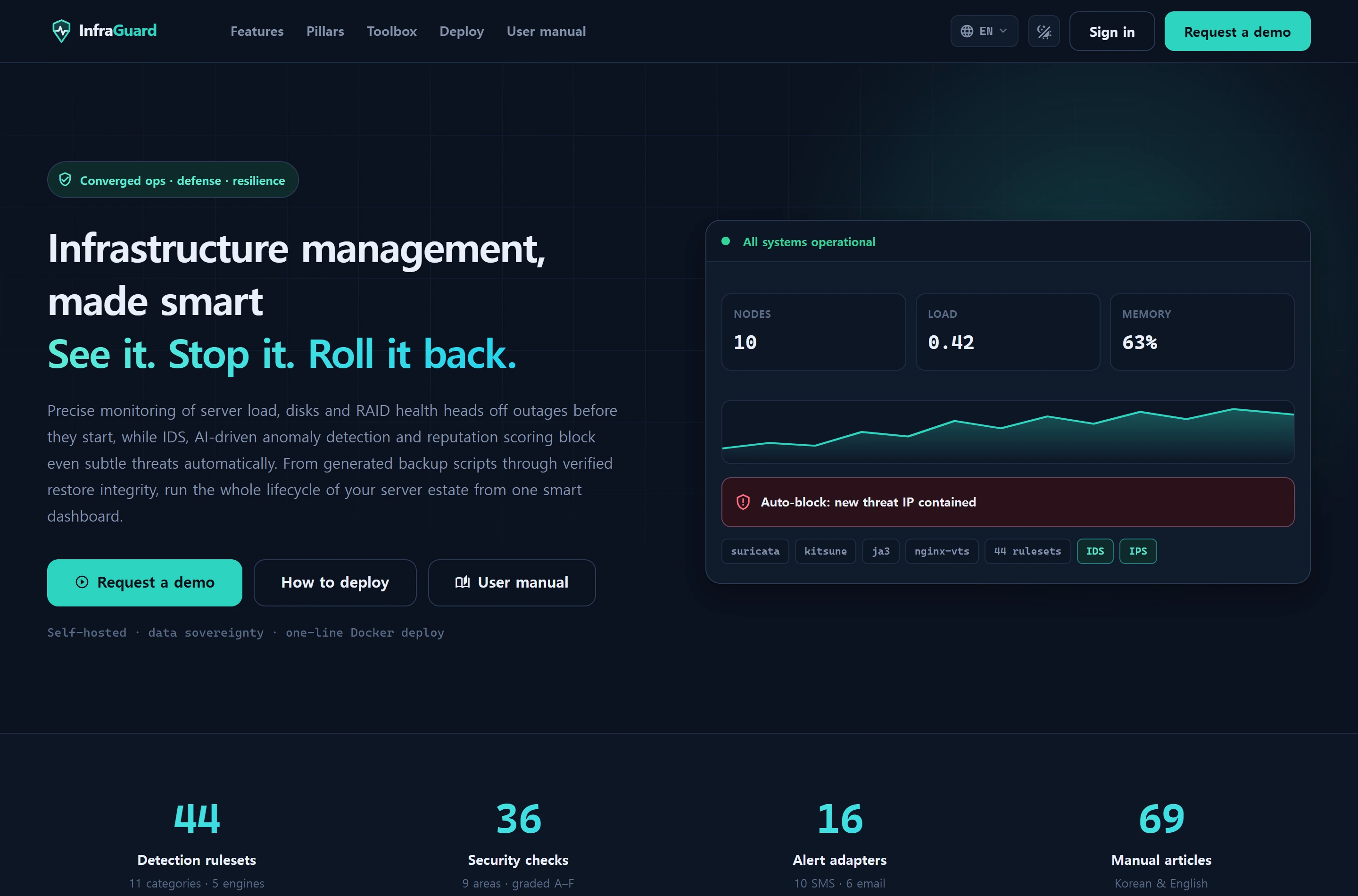
marketing landing | guests (an authenticated session redirects to /console) |
/demo |
demo request form | guests |
/manual |
user manual | guests and logged-in users alike |
/login · /lang/{locale} |
login · language switch | guests |
The console home lives at /console. That move handed / to the public surface without breaking the route name (overview) or existing bookmarks.
The landing is built as a separate bundle (front.*). Putting it in the console bundle would make every visitor download Vue, ECharts, CodeMirror, Konva and xterm (measured: roughly 1,283KB console versus 24KB front). For a marketing page, first impression is loading speed. Only the minimal shared UI (icon buttons, language switcher) lives in
_shared-uiso both sides use the same definition — copy-pasting it would let one side drift.
The public manual
/manual opens without login. Someone evaluating the product should be able to read how it is actually operated, and public documentation is itself a marketing and SEO asset. The documents contain no secrets and no live data.
- One URL, two shells — guests get the public shell (header, footer, language switcher), logged-in users get the console shell, and both render the same body. The view and page module are shared, so the two cannot drift apart.
- Guests additionally receive only a manual-specific sub-bundle (
manual.*); the console bundle is never served to them. - Articles for higher-privilege features are badged as locked rather than hidden. Guests are treated as level 1.
- Entry points are the [User manual] CTA in the landing hero and the top navigation.
Demo requests
The public form (/demo)
This is a request intake, not a one-click demo. Only a name and a work email are required; locale, referral source and IP are recorded alongside.
This form is the only guest write path in the application, so it is defended four ways.
- Honeypot — if filled, nothing is stored but the response still looks like success (never announce detection).
throttle:8,1— the ninth request in a minute gets a 429.- CSRF token.
- Server validation with a whitelist —
statusandnoteare admin-only, so the public form cannot set them.
The admin screen (Administration ▸ Demo requests)
/admin/demo-requests runs the inbox: modal CRUD plus search, status filters with counts, and pagination.
| Status | Meaning |
|---|---|
new |
received, untouched |
contacted |
reached out |
qualified |
qualified opportunity |
closed |
finished |
- Change status inline on a row, or leave an internal note in the modal.
- Intake context (IP, locale, source, timestamp) is shown read-only.
- Status facets count the whole table regardless of the active filter — "how many are unhandled" must not vanish because a filter is applied.
Search escapes LIKE wildcards (
%,_,\). Without that, typing a single%would match every row.
Analytics tags (GA4 · GTM · Search Console)
Put a measurement ID in .env and the tag appears on the public surface only. When the value is empty no <script> is rendered at all, so a default deployment makes zero outbound requests.
| Key | Value | Purpose |
|---|---|---|
GA_MEASUREMENT_ID |
G-XXXXXXXXXX |
gtag.js (GA4) |
GTM_CONTAINER_ID |
GTM-XXXXXXX |
Google Tag Manager (can run alongside) |
GOOGLE_SITE_VERIFICATION |
meta token | Search Console ownership |
GA_PRODUCTION_ONLY |
true (default) |
fire only in production |
Never add these to the console (
layouts/app). Console URLs and titles carry host names, IPs, instance aliases and incident titles. Sending those to a third-party analytics property contradicts the self-hosting and data-sovereignty promise the landing page itself makes, and leaks customer infrastructure detail.
- IDs are only emitted after format validation (
G-…/GTM-…). A typo or a value with stray quotes degrades to "no analytics" rather than a broken tag. GA_PRODUCTION_ONLYdefaults totrue— local and staging traffic polluting a property cannot be cleaned up afterwards, and it is the most common reason GA4 numbers stop being trusted.- The conversion fires on the success page, not on submit. Firing at submit counts validation failures and honeypot hits as conversions and inflates the number.
- CTAs are separated by position (
hero,header,footer_cta,footer_nav,hero_manual) so contribution can be attributed. - If
gtagis absent the JS is entirely no-op — a failed analytics load never blocks the UI.
GA4 does not give you search keywords. It reports the channel (organic search) and stops there; the queries live only in Search Console. That is why the ownership meta tag is emitted independently of GA4 — you can verify ownership without enabling GA4 at all. For per-site reporting see Visitor & search insights.
Copy policy
Trust figures on the landing use only what can be counted in code, and they are counted at render time rather than hardcoded (ruleset count, check count, mail/SMS adapter counts, and so on).
This policy caught a real error — the check count was 36, not 37. Conversely, observed values are never used: distinct signature counts run 43 over 24h, 67 over 7d and 79 overall, so they would change between visits and undermine trust rather than build it. Being a public page, it also never touches the DB — a query per visit is unnecessary, and the marketing surface should survive a wobbling database.
Data sources
| Target | Location | Role |
|---|---|---|
infr_demo_request |
default (000770) | demo request inbox (status, note, locale, source, ip) |
config/analytics.php ← .env |
config | measurement IDs and gating SOT (App\Support\Analytics) |
public/brand/ |
static files | logo and OG images |
public/brand/must be committed. Most ofpublic/is generated output (build,hot,storageare gitignored) so it is easy to miss, but brand assets are not Vite output — nothing builds them, and without the commit the logo and OG image are 404 in production. The OG image must be PNG: many social crawlers will not render an SVG preview.
Permissions
- Landing, demo form, manual: public.
- Administration ▸ Demo requests: level ≥ 10 (self-gate), with every change recorded in
infr_audit_log.
Troubleshooting · FAQ
/keeps sending me to the console — that is correct: an authenticated session is redirected to/console. Log out or use a private window to see the landing.- The tag never appears — the ID is empty, failed format validation, or
GA_PRODUCTION_ONLY=truewhile this is not production. Search the page source forgoogletagmanager.comto confirm. - GA4 collects nothing — check that the measurement ID on the site belongs to the property you intend to read (GA4 Admin ▸ Data streams). If data lands in a different property, reports read zero forever.
- A demo request was not saved — a honeypot hit returns success without storing (intended). Also check validation errors and the 8-per-minute limit (429).
- The switcher lists eight locales but only ko/en are translated — the rest fall back to English. Actual demand for untranslated locales is observed through the analytics
languageparameter. - 500 right after a fresh deploy — nginx must be wired to wait for the Vite build to finish. Since the public landing is
/, crawlers and prospects would otherwise meet a 500 as their first impression.
Related
- Visitor & search insights — reading the collected data per site
- Service ▸ Web — monitoring registered websites
- Language & localization — locale switching and translation packs
- Admin ▸ Audit log — history of demo-request handling